 Half Stop
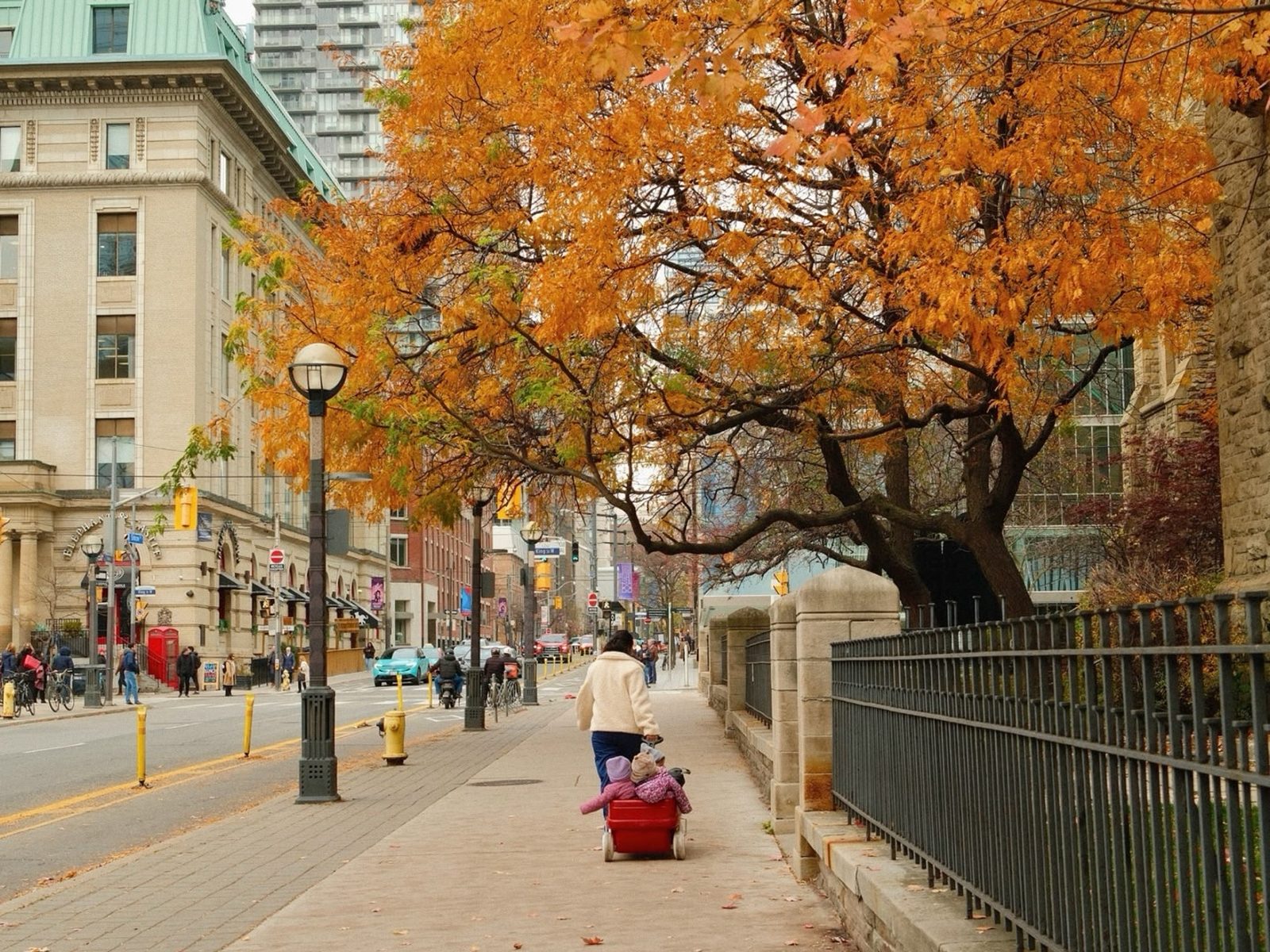
X100VI Provia
Clean, true-to-life colour that doesn't look like the default. The post lists six settings; the others aren't given. Learned on Ana Markovych's Provia photo walk.
Recipe by @justinwongjw · original post
Settings
Film simulationProvia
Dynamic rangeNot given
Grain effectStrong
Color chrome effectStrong
Color chrome FX blueNot given
White balanceShade (depends on the light)
Highlight0
Shadow−1
Color+4
Sharpness−1
High ISO NRNot given
ClarityNot given
ISO and exposure compensation live on the dials. The original post does not give them.
Put it on your camera in seconds
Half Stop sends this recipe to a custom slot (C1–C7) over USB-C, or over Bluetooth on the X100VI. No dialing in settings by hand.


Free on iPhone. Share the original post to Half Stop to save this recipe.